
Technical Support
Free remote support by WhatsApp, video call, video meeting or remote debugging, whichever you use. We reply within 1 working day.
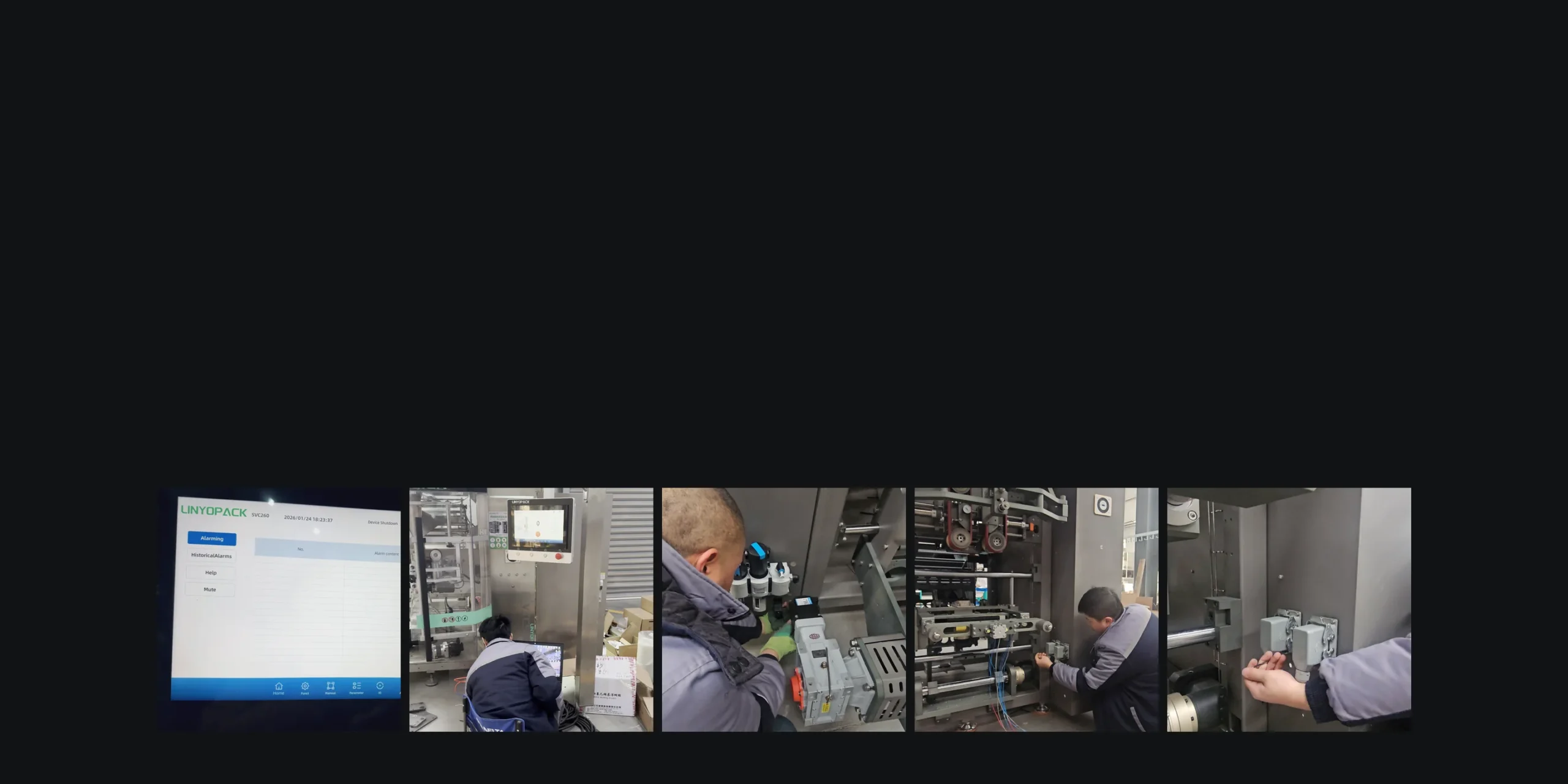
From left: the alarm screen, functional checks, fitting components, wiring and checking a sensor, in our workshop.
We reply to every support request within 1 working day.
Remote support costs nothing.
WhatsApp, video calls, video meetings or remote debugging.
When You Need This Service
Contact us when any of these happen.
An alarm or fault appears
We help find the cause and fix it.
You change the product or package
The machine needs adjusting for the new product or package.
You want to avoid a site visit
Remote troubleshooting comes first, before anyone travels.
Your team needs guidance
Set-up, adjustment or getting the machine running again.
What We Need From You
The more we see, the faster we can help.
Remote connectionEvery machine comes with a remote connection module, unless you asked us to leave it out to keep your data private. Without it, we work through remote desktop on a computer you connect to the machine.
Ask for SupportMachine model and serial number, or project reference
What happened
Alarm screenshot or code
Photos or video
Product and package
PLC, HMI or software version, where relevant
What changed before the problem
How It Works
We start from the configuration of your machine.
Where remote help is not enough, we tell you what is needed next: parts, a software update or a site visit.
Ask for Support- 01
Identify your machine
Model, configuration and software version
- 02
Collect the evidence
Alarm codes, photos and video of the fault
- 03
Find the cause
Product, operation, machine, other line equipment or utilities
- 04
Fix it remotely
Step-by-step guidance or remote debugging, where possible
- 05
Name what else is needed
Parts, a software update or a site visit
- 06
Record the next action
Open items and who acts on them
What You Receive
A reply within 1 working day, free of charge.
Diagnosis of the fault
Recommended corrective action
Parts or upgrades needed, where relevant
Next step if remote help is not enough
How to reach us
- Video call
- Video meeting
- Remote debugging
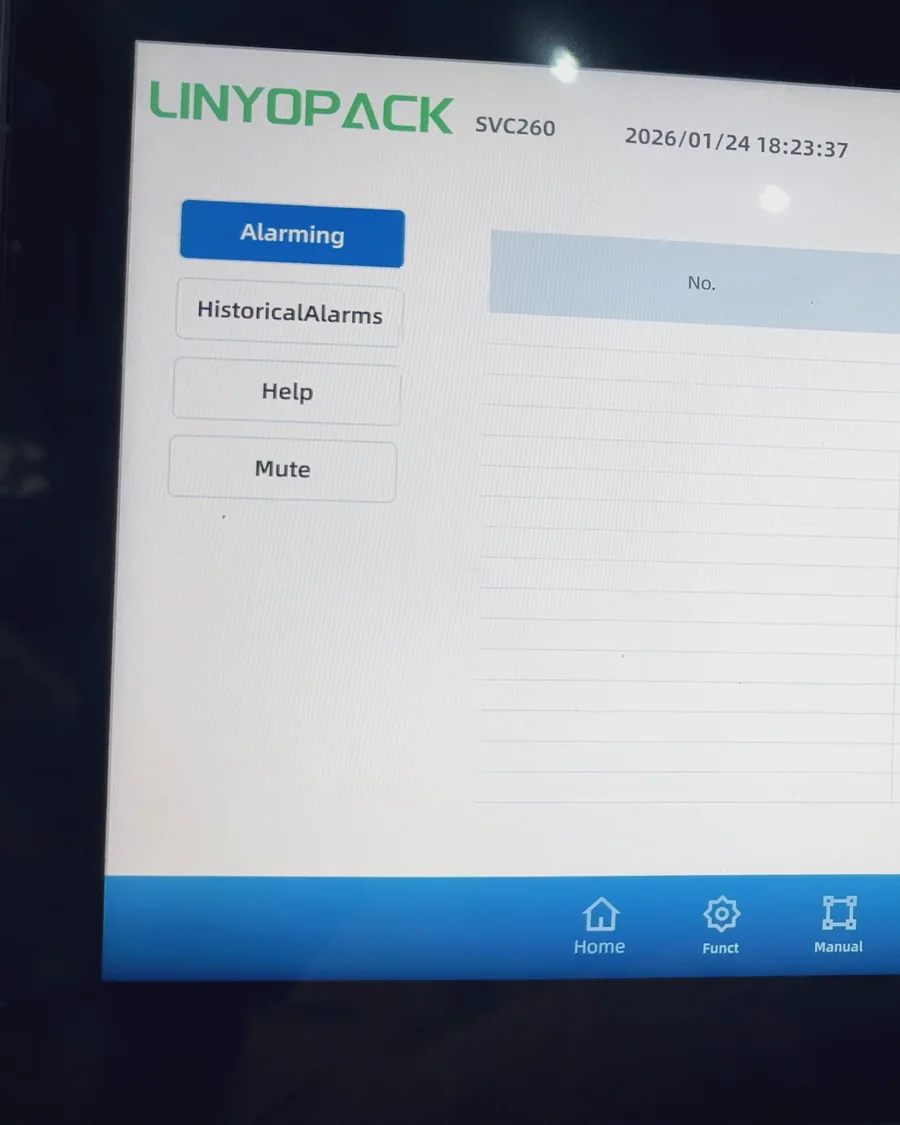
Photo: the alarm screen on an SVC260.
Remote Connection
How we reach your machine.
| With the remote connection module | Without it | |
|---|---|---|
| Fitted | On every machine by default | Left out at your request, to keep your data private |
| How we connect | Directly to the machine | Remote desktop on a computer you connect to the machine |
| What we can do | Remote debugging and troubleshooting | Remote debugging and troubleshooting through your computer |
Software and control upgrades that need no new hardware are free. Spare Parts & Upgrades
Related Pages
Parts, maintenance and how the machine was built.
Is technical support free?
Yes. Remote technical support is free.
How fast do you reply?
Within 1 working day.
Which tools do you use?
WhatsApp, any video call or video meeting tool, and remote debugging. We use whatever you already use.
Can you connect to my machine remotely?
Yes. Every machine comes with a remote connection module, unless you ask us to leave it out to keep your data private. Without it, we work through remote desktop on a computer you connect to the machine.
What if the problem cannot be solved remotely?
We tell you what is needed next: parts, a software update or a site visit, and agree the next step with you.
Ask for Support
Send your machine model, what happened and photos or video. We reply within 1 working day.
- 01Machine
- 02Problem
- 03Photos or video
- 04What changed
We reply within 1 working day.
Quick enquiry
You're enquiring about
Technical Support
Service enquiry
We'll include this service in your enquiry automatically.
We use these details to reply to your enquiry. Read our Privacy Policy.